

One business voice. More ways to be heard.
Connect brings your messaging channels together, making it easier to reach people in different markets and give your agents the tools to speak for your business.
Reach across borders
Connect to messaging providers that serve your audience, at home and internationally. Choose destinations and senders to match the markets you want to reach.
Choose how you are heard
Use SMS for a timely message, MMS when an image says more, and email when you need room for the whole story. Bring them together through one integration.
Give your agents a voice
Let your agents send messages, receive replies and check outcomes through direct access to Connect. Make communication part of what they can do for your business.

A direct line from your agents to your audience.
Give the agents you already use the ability to communicate for your business. Connect brings sending, replies and message outcomes into a shared interface, reducing the work of connecting each channel separately.
Your agent can discover how to connect, register for a sandbox and test a conversation before you prepare for live sending. With an API and MCP access, messaging becomes a capability your agents can use directly.
Your voice. Your rules.
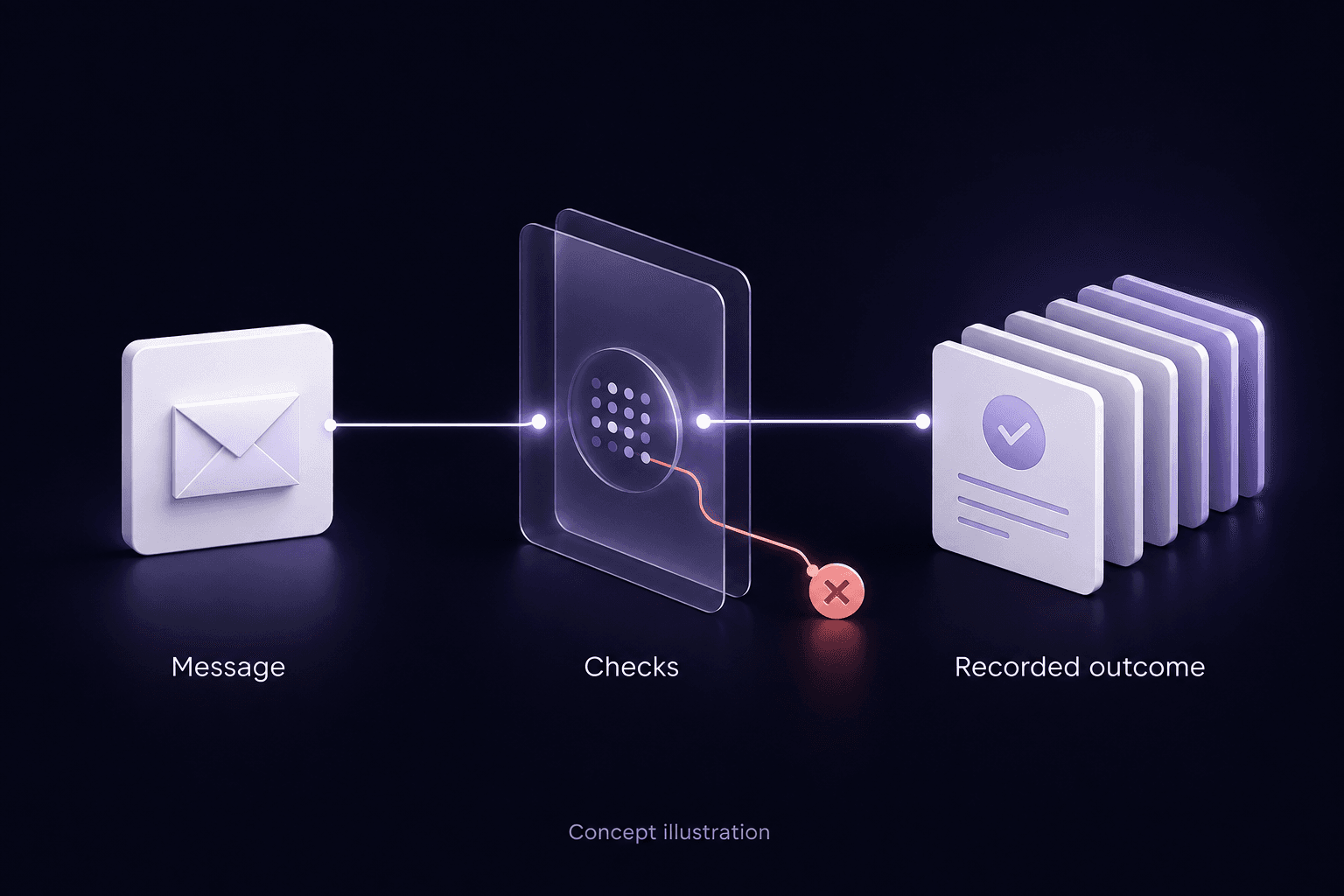
Give your agents the freedom to communicate within the limits you set. Control sending volume and quiet hours, and respect when people want to opt out.
Connect checks channel opt-outs and blocklists before sending. Add an unsubscribe link or accept STOP replies on a reply-capable number. If a message is blocked, the reason is available for your team or agent to review.
From something to say to someone to reach.
A clear path from connecting your agent to reaching your audience. Start small, test the experience and expand when you are ready.
Choose your audience
Decide who you want to reach and which channels suit the conversation. Plan the destinations and senders you need.
Give your agent access
Point your agent at the getting-started guide. It can register through the API, then use its sandbox key for API or MCP access.
Try a conversation
Test sends, replies and failures with simulated customers. See how your agent responds before any message reaches a real phone or inbox.
Take your voice further
Verify your account, configure a supported provider and sender, and set your limits. Move to live sending when you are ready.
Be heard. Be ready to listen.
Give your audience a way to answer. Receive replies on supported channels and senders, and bring them back to the tools and agents that work for your business.
Your team and agents can inspect message outcomes, investigate failures and decide what happens next. Delivery reports show the reported delivery status; they do not prove that someone read your message.
Questions people ask first
Can customers reply to our messages?
Yes, on supported channels and reply-capable senders. Replies can flow into your connected tools so your team or agent can respond. Choose the right sender for two-way messaging during setup.
Can our existing agents use Connect directly?
Yes. Agents that can use HTTP APIs or MCP can connect directly. Public discovery and a sandbox registration flow help them get started, test messages and inspect results. Integration and account setup are still required; Coach is optional.
Which channels and markets can we reach?
Connect supports SMS, MMS and email through connected providers: Kudosity or Vonage for SMS and supported MMS, and Resend for email. International destinations, MMS and replies depend on your provider, account and sender, along with local registration requirements. Confirm coverage for your audience during setup.
Let your business be heard.
Bring your channels together. Give your agents a voice. Connect with the audience you want to reach, wherever your business takes you.